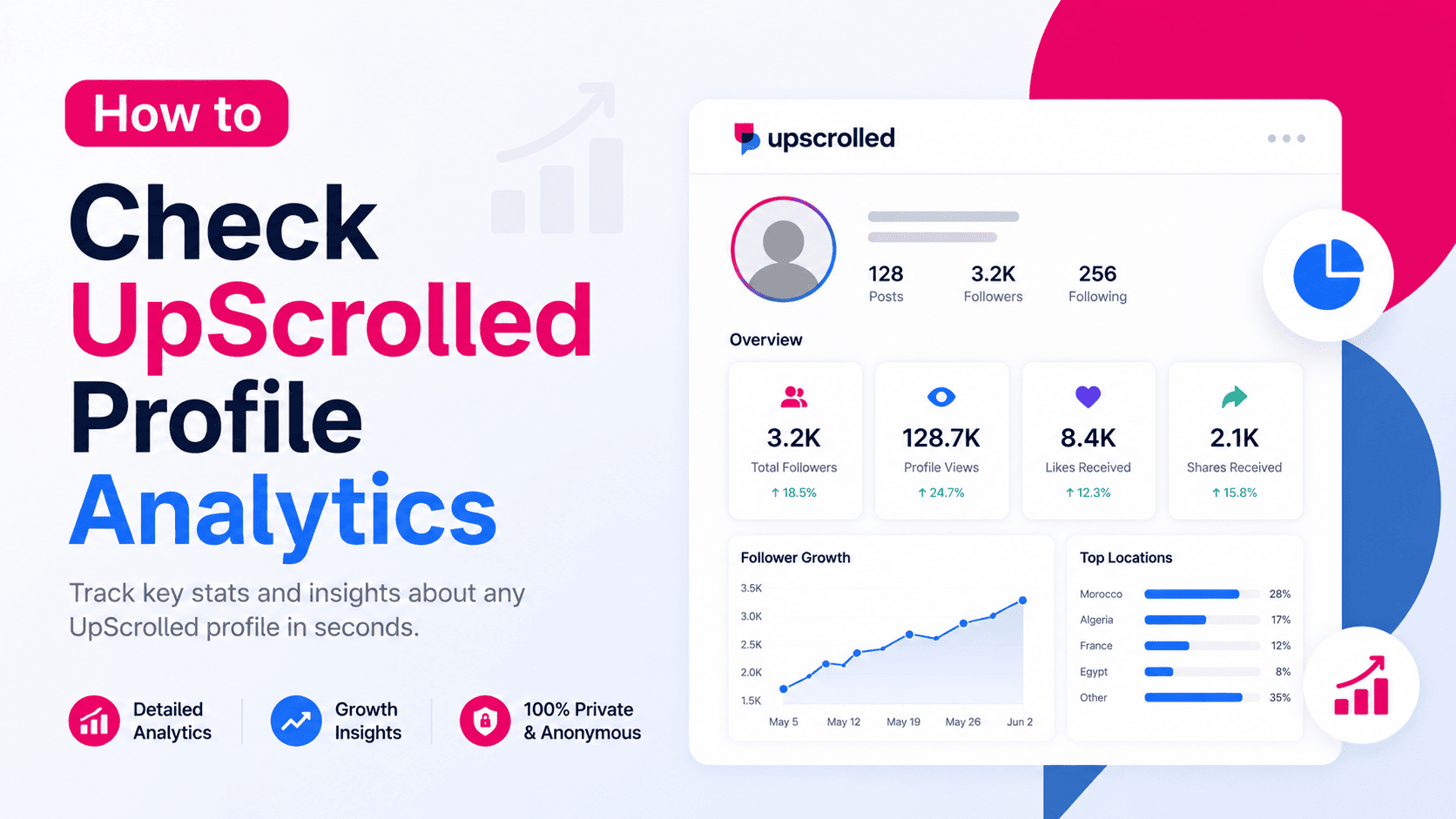
What Are UpScrolled Profile Analytics?
Profile analytics are metrics that help you understand the public performance of an account on UpScrolled. These insights can include follower statistics, engagement metrics, post activity, and other publicly available profile information.
Whether you're researching creators, monitoring competitors, or simply exploring public accounts, analytics provide valuable context beyond what you see on the profile itself.
How to Check UpScrolled Profile Analytics
Open UpScrolledPlus and search for the public UpScrolled username you want to analyze. After opening the profile, you'll be able to view available public analytics and profile information in one place.
The platform gathers publicly available profile data, making it easier to review important metrics without manually inspecting every post.
What Analytics Can You View?
Depending on the profile and publicly available data, you may be able to view follower statistics, engagement metrics, public posts, profile activity, account registration date, media counts, and other useful profile insights.
These metrics help you better understand how active a profile is and how audiences interact with its public content.
Why Profile Analytics Matter
Analytics are useful for creators, marketers, researchers, journalists, and anyone interested in understanding public social media activity. By reviewing engagement and profile trends, you can compare accounts, evaluate content performance, and identify active communities.
Rather than relying on guesswork, analytics provide measurable information based on publicly available profile data.
Tips for Better Analytics
Search using the exact UpScrolled username to find the correct profile quickly. If you're comparing multiple accounts, review each profile using the same metrics to make comparisons more consistent.
Remember that analytics reflect publicly available information and may change over time as users publish new content or update their profiles.
Frequently Asked Questions
Can I check analytics for any UpScrolled profile?
You can view analytics for profiles with publicly available information.
Do I need to create an UpScrolled account?
No. UpScrolledPlus allows you to search and analyze supported public profiles without signing in.
What metrics can I see?
Available metrics may include engagement statistics, follower information, public posts, profile activity, account registration date, and other public insights.
Can I analyze private profiles?
No. UpScrolledPlus only provides analytics based on publicly accessible information.