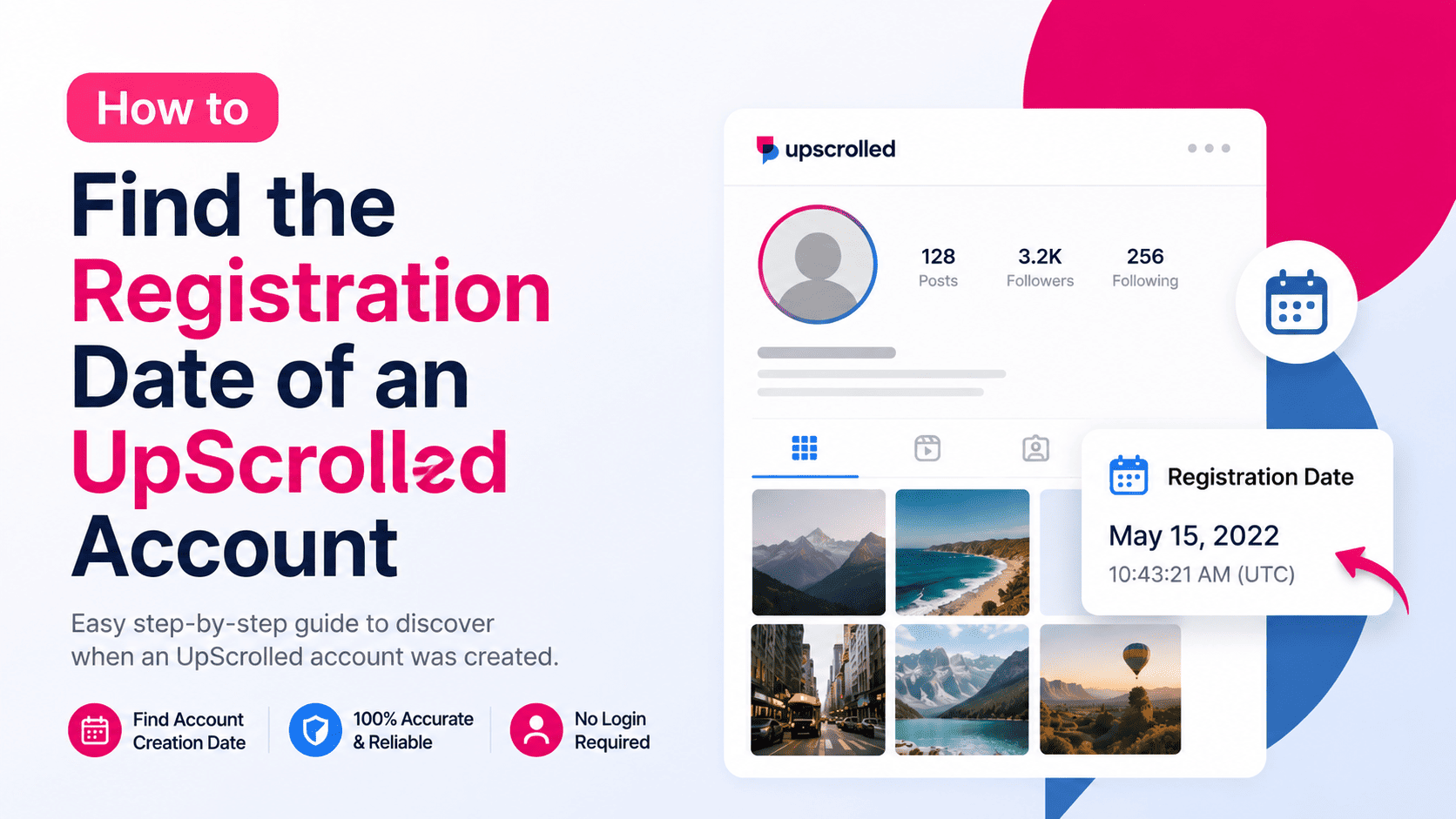
Why Check an UpScrolled Account's Registration Date?
The registration date shows when an account first joined UpScrolled. This information can provide useful context about a creator, brand, or public profile.
Older accounts often have a longer posting history, while newer accounts may still be building their audience. Knowing when an account was created can also help distinguish between established profiles and recently created ones.
How to Find an UpScrolled Registration Date
Using UpScrolledPlus, simply search for the public username you want to inspect. Open the profile page, and if the registration date is available, it will be displayed alongside the profile's public information and analytics.
The process only works for publicly accessible profiles and information. Private content remains inaccessible.
What Other Information Can You See?
Along with the registration date, UpScrolledPlus can display additional public profile information such as the profile picture, biography, follower statistics, engagement metrics, public posts, images, videos, and other supported analytics.
Having all this information in one place makes it easier to understand a profile without switching between multiple tools.
When Is the Registration Date Useful?
Knowing when an account was created is helpful when researching creators, comparing similar public profiles, tracking account growth, or verifying that a profile has an established history.
Businesses, marketers, journalists, and everyday users often use this information to gain additional context before interacting with a public account.
Tips for Accurate Results
Search using the exact UpScrolled username whenever possible. This helps you find the correct public profile quickly and reduces confusion with similarly named accounts.
If the registration date is not available, it may not be publicly accessible for that particular profile.
Frequently Asked Questions
Can I find the registration date of every UpScrolled account?
The registration date is only available when it can be retrieved from publicly accessible information.
Can I view private account information?
No. UpScrolledPlus only displays information that is publicly available.
Do I need an UpScrolled account?
No. You can search public profiles and view supported information without signing in.
What else can I do with UpScrolledPlus?
You can search public profiles, browse public posts, download supported media, view engagement statistics, and explore additional public profile analytics.