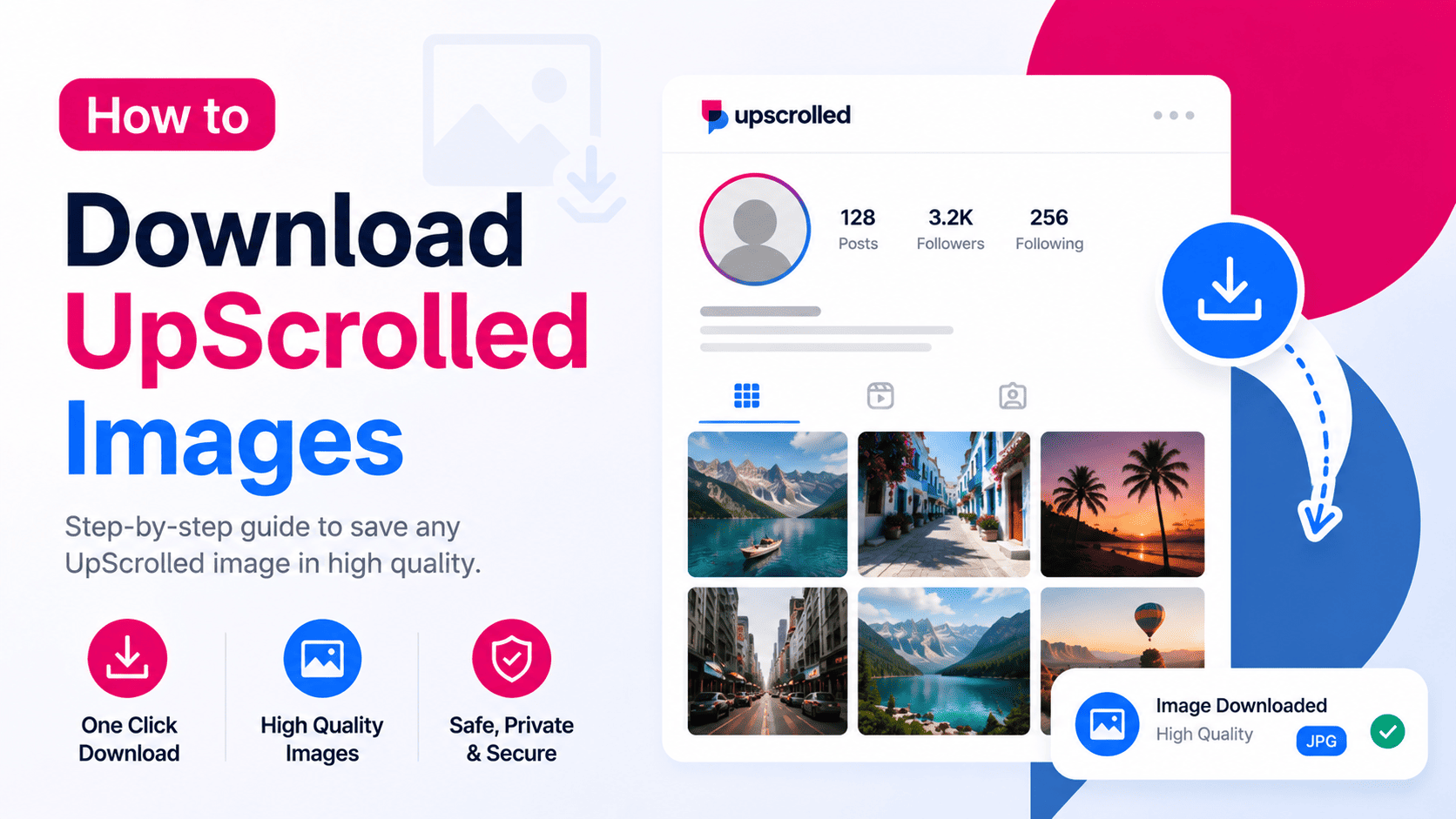
What Is an UpScrolled Image Downloader?
An UpScrolled Image Downloader is a tool that lets you save publicly available images from UpScrolled. Instead of taking screenshots that reduce image quality, you can use UpScrolledPlus to download supported public photos directly.
The tool only works with content that has been made publicly available and does not provide access to private photos or restricted accounts.
How to Download UpScrolled Images
Open UpScrolledPlus and search for the public profile or post containing the image you want to save. Once you've opened the post, select the download option to save the supported public image to your device.
The process is fast, requires only a few clicks, and works entirely in your web browser without additional software or browser extensions.
Why Use UpScrolledPlus?
UpScrolledPlus offers more than just image downloads. You can search public profiles, browse public posts, download videos, view profile analytics, check engagement statistics, and explore other publicly available information from one platform.
Its simple interface helps you find and download public content efficiently while respecting user privacy.
What Images Can Be Downloaded?
You can download supported images that are publicly available on UpScrolled. This includes photos shared through public profiles and public posts when available.
Images from private accounts, deleted posts, or restricted content cannot be accessed or downloaded through UpScrolledPlus.
Tips for Better Image Downloads
Search using the exact username or paste the public post link to locate the correct image more quickly. If a post contains multiple photos, review the gallery before downloading to ensure you save the images you need.
Always respect copyright, platform policies, and applicable laws when downloading or using publicly available content.
Frequently Asked Questions
Can I download any UpScrolled image?
You can download supported images that are publicly available.
Do I need an UpScrolled account?
No. UpScrolledPlus lets you download supported public images without signing in.
Can I download images from private accounts?
No. Private images and restricted content are not accessible.
Do I need to install any software?
No. Everything works directly in your web browser using UpScrolledPlus.