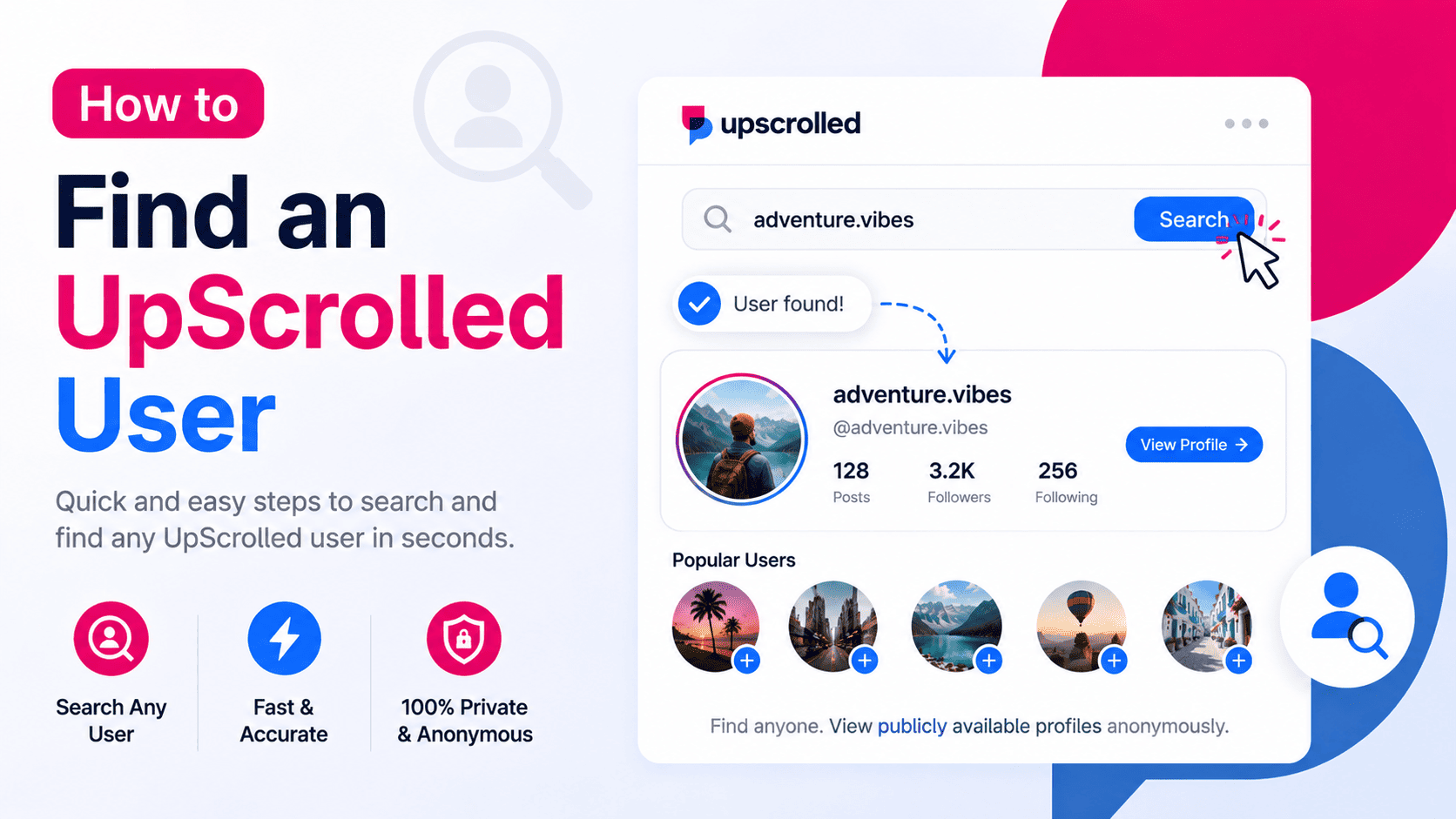
What Is an UpScrolled User Search?
An UpScrolled User Search helps you locate publicly available profiles on UpScrolled. Instead of browsing through the app manually, you can search for public usernames directly using UpScrolledPlus.
This makes it easier to discover creators, businesses, organizations, and other public accounts in just a few seconds.
How to Find an UpScrolled User
Open UpScrolledPlus and enter the username of the person or profile you're looking for. If you know the exact username, you'll usually find the correct public profile immediately.
If you're unsure of the spelling, try searching with part of the username or the display name. Once you've found the correct profile, you can browse its publicly available information.
What Information Can You View?
After locating a public profile, you may be able to view the profile picture, biography, public posts, images, videos, follower statistics, engagement metrics, account registration date, and other supported public profile information.
Having all of this information available in one place makes it easier to research and compare public UpScrolled accounts.
Why Use UpScrolledPlus?
UpScrolledPlus combines several public browsing tools into one platform. In addition to user search, you can view public profiles anonymously, download supported images and videos, save public posts, check profile analytics, and explore account insights.
The platform is designed to provide fast access to publicly available information through a simple and intuitive interface.
Tips for Better Search Results
Use the exact UpScrolled username whenever possible to improve search accuracy. If multiple profiles have similar names, compare the profile picture, biography, or recent public posts to identify the correct account.
Searching with the official username is usually the fastest way to find a specific public profile.
Frequently Asked Questions
Can I search for any UpScrolled user?
You can search for users with publicly available profiles.
Can I find private accounts?
You may be able to locate a private profile, but UpScrolledPlus only displays publicly available information and does not provide access to private content.
Do I need an UpScrolled account?
No. You can search for public users and browse supported public profiles without signing in.
What else can I do after finding a profile?
You can view public profile details, browse public posts, download supported media, check profile analytics, and explore other available public insights.